Description
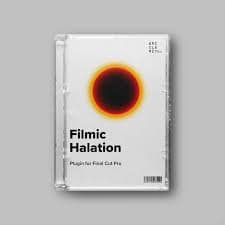
The Halation Plugin comes with powerful tools and options for customisation without being overwhelming. Let’s break it down.
Strength: This option provides four presets (Subtle, Standard, Bold and Nuclear). By default, it’s set to standard which gives you an estimation of the halation in 35mm film.
Mask Mode: Let’s you toggle a mask view of threshold and source limiter. It shows active areas in white and inactive areas in black.
Threshold: Decides what light level is considered for halation. Drag the slider up to exclude darker areas of the image and drag the slider down to include darker areas.
Source Limiter: Lets you decide how halation spreads through the film stock. If you increase the source limiter all the way, you limit the halation to the actual light source, meaning the warm glow of your footage will disappear and halation will only be visible around the actual light sources. If you decrease the source limiter all the way, light scatters freely throughout the film stock, giving your footage a warm orange glow.
Hue: Lets you control the hue of the halation.
Saturation: Increases or decreases the saturation of the halation.
Boost: Boosts or reduces the overall intensity of the halation.